 The Deficit
Effortless
calorie tracking.
Eat. Say it. Done.
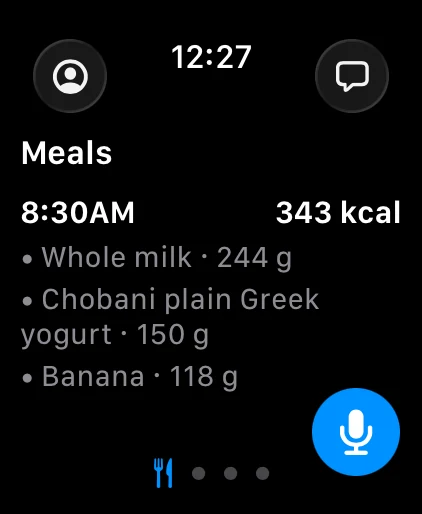
Say your breakfast.

“A cup of whole milk, a Chobani plain Greek yogurt, the 5.3 oz cup, and a banana.”
8:30 AM
- Whole milk1 cup · 244 g149 kcal
- Chobani plain Greek yogurt5.3 oz · 150 g90 kcal
- Banana1 medium · 118 g105 kcal
 Actual app screenshot ↗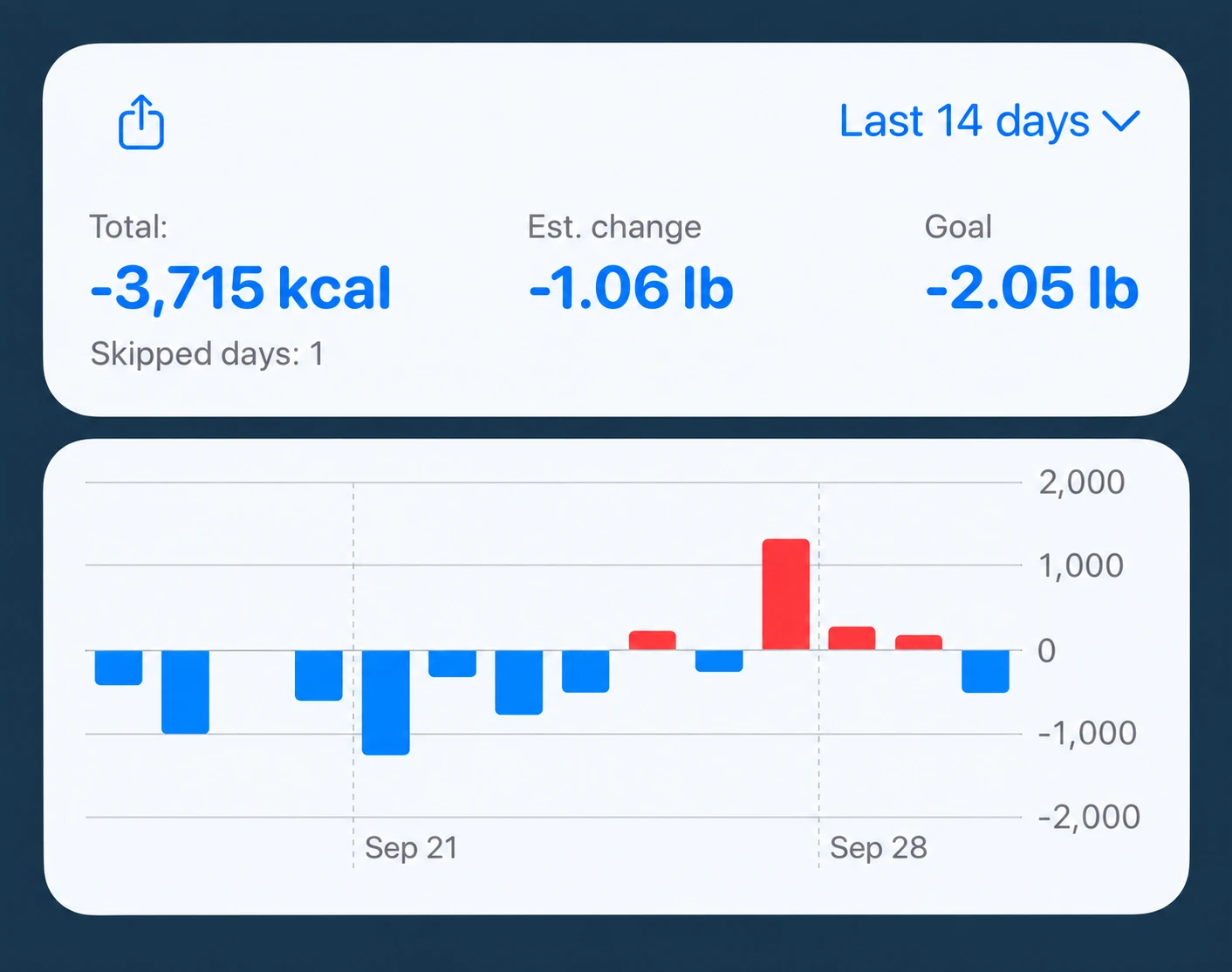
See the bigger picture.
Your calorie balance. Your estimated weight change. Your progress.
Weight change is estimated from calorie balance, not measured on a scale.
Keep it. Bring your nutrition and activity together with Apple Health.
Let the label do the math.

“Log half of this package.”
12:30 PM
- Lasagna½ package · 200 g300 kcal
 Actual app screenshot ↗
Your whole food log.
On your wrist.
Dictate a meal, read the reply, and check your day. The Deficit on Apple Watch has its own sign-in and connects directly—so your phone can stay in your pocket.
- Log several foods in one voice request
- Use quick dictation or a live conversation
- See saved meals on iPhone and iPad too
AI features need internet, microphone permission and available credits. Supported Apple Watch required.
Explore Apple Watch calorie tracking ↗An agent that does
the logging.
It remembers your saved foods, looks up products when needed, and turns a request into an editable meal. Follow up with “make that half” instead of starting over.
- Give details when you know them
- Get sensible estimates when you do not
- Ask about your food and activity, in plain language
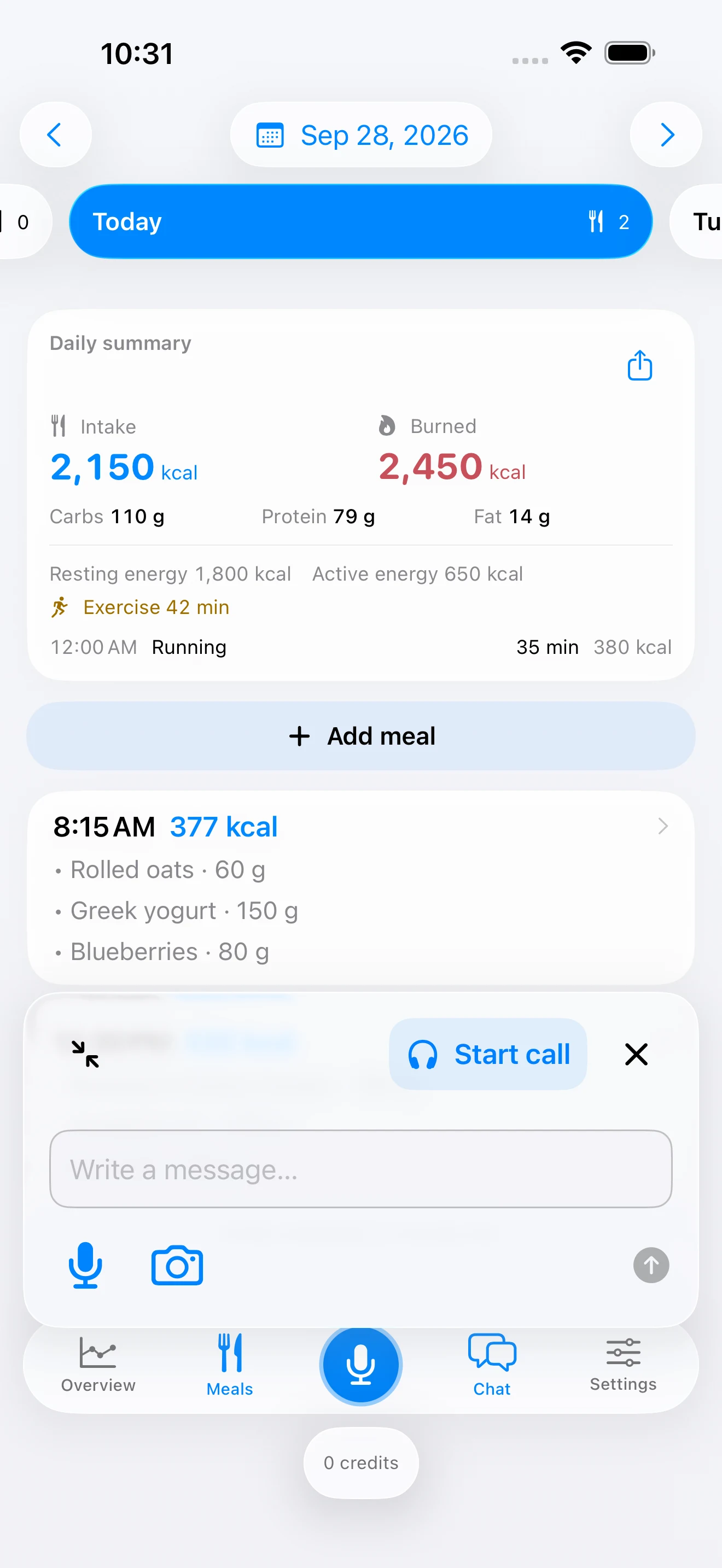
Lunch. Camera. Logged.

“This is my lunch. Log it for me.”
12:30 PM
- Roasted salmon150 g312 kcal
- Cooked rice150 g195 kcal
- Broccoli100 g34 kcal
 Actual app screenshot ↗
Start free.
Add credits when you need.
No subscription required. Choose how much help you want.
Keep the big picture.
Apple Health overview and manual food entries remain available without spending AI credits.
- Intake, expenditure and calorie balance
- Daily and longer-term views
- Your food log across devices
Try it with free credits.
New accounts receive a starting allowance. Dictation, chat, photos, web searches and live conversations use credits.
Buy additional packs in the app. Purchased credits do not expire and sync across your devices. See your balance and usage in Settings.
Download on the App StoreBefore your first bite.
Do I have to weigh everything?
No. Give a weight or portion when you know it. Otherwise the agent can use an estimated portion, which you can adjust. Estimates are not measurements.
Can I log food without my iPhone nearby?
Yes, the Apple Watch app can sign in and connect directly. It needs an internet connection for AI processing and cloud sync.
Are photo calories exact?
No. Plate photos produce estimates. A clear nutrition label plus a known portion lets the agent calculate from the supplied values, but you should still check the reading.
Does it work with Apple Health?
Yes, with your permission. The overview reads available Health data, and food entries can be written to Health. Permissions and sync timing can differ across devices.
Do I need a subscription?
No subscription is required. AI features use credits, with a starting allowance for new accounts and optional in-app credit packs. The overview and manual entries do not spend AI credits.
What happens to my photos and voice?
AI processing uses OpenAI and requires your consent. Our backend does not store raw audio or food photos. See our privacy policy for cloud records, optional transcript sharing and provider processing details.
A little less guesswork.
Practical ways to make food tracking fit your life.
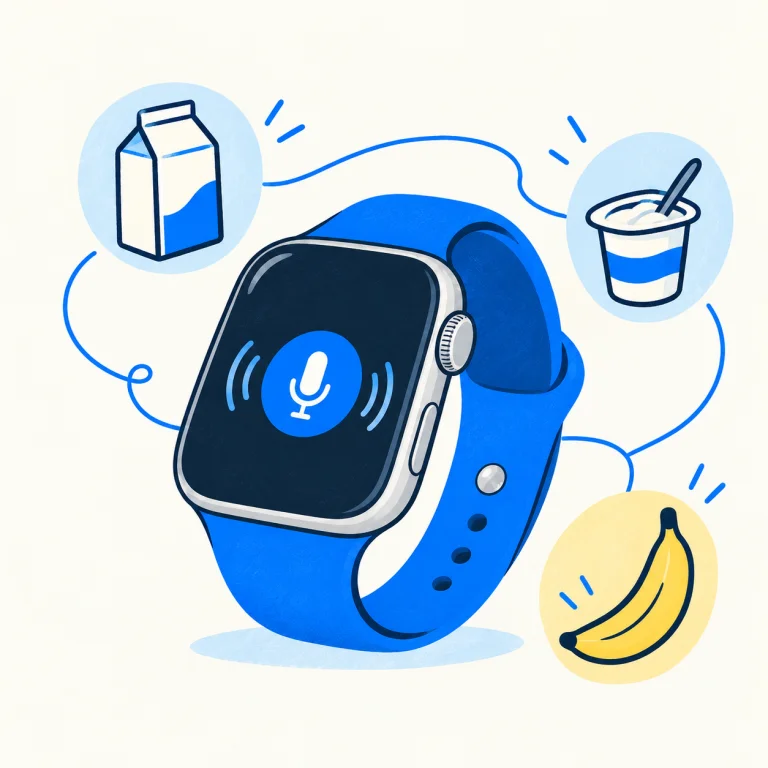
Apple Watch Calorie Tracking: Effortless Food Logging by Voice
Track food, calories and macros on Apple Watch with voice entry. Learn how The Deficit logs meals, syncs your diary and shows your calorie deficit.

Meet The Deficit 2. Less logging. More living.
Voice, photos and a food-tracking agent. Meet the new The Deficit for iPhone, iPad and Apple Watch.
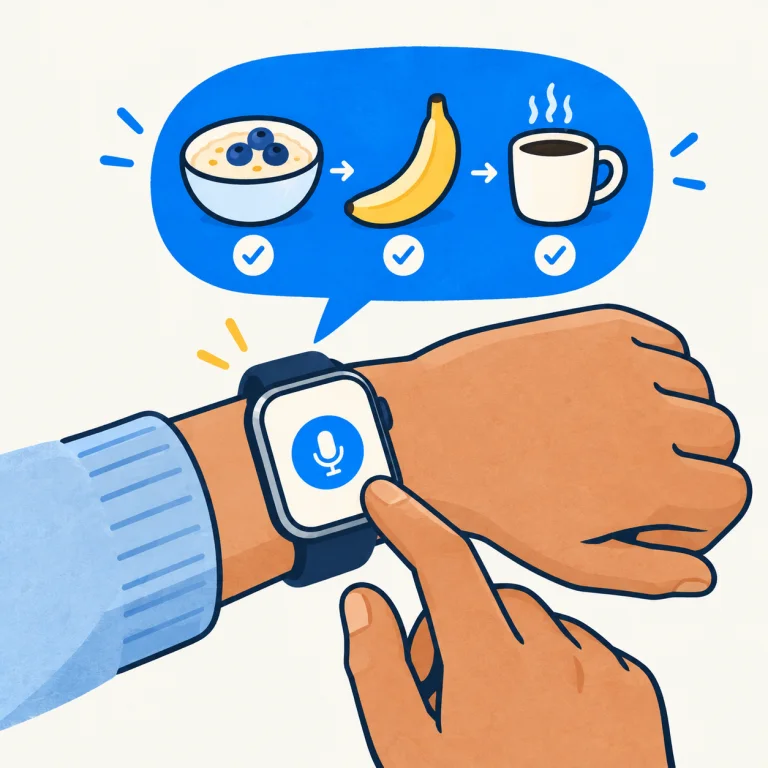
How to track food with your Apple Watch
Log a meal by voice on Apple Watch with The Deficit: dictate several foods, check the result and sync your food diary.
Your next meal.
Already easier to log.
Try The Deficit on iPhone, iPad and Apple Watch.
Download on the App Store